
Multi-zone playlists
Give every zone a purpose.
Combine videos, images, PDFs, tickers and clocks within a playlist. Adjust zones and choose between full-screen and multi-zone playback.
See it in a demo
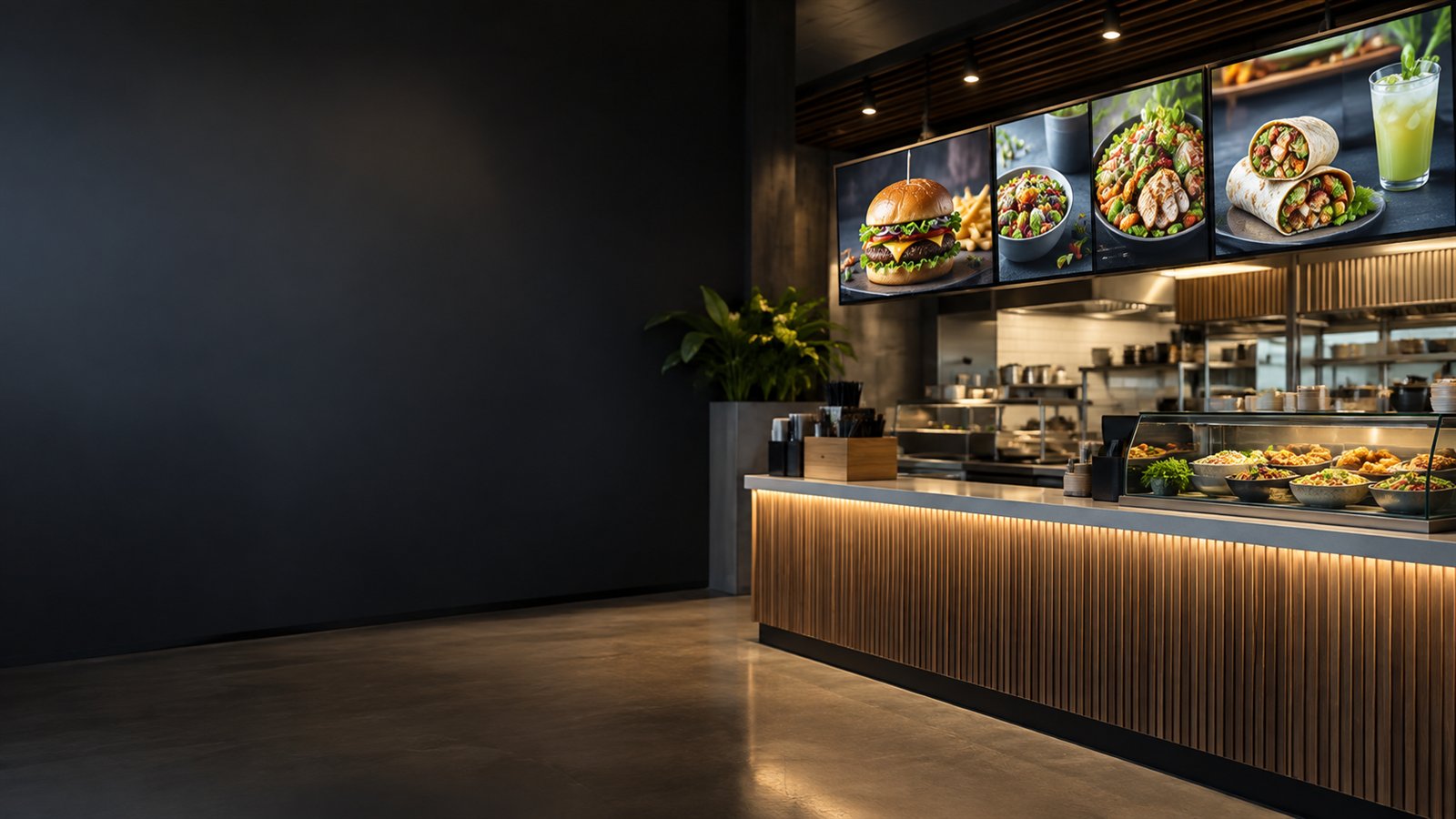
DIGITAL SIGNAGE / THE 2026 WORKSPACE
Bring your media, playlists and displays together. From one menu board to a network of locations.
Mix videos, images, PDFs and widgets in flexible zones. Schedule what plays now and what comes next.
Import from your cloud tools, organize your library and publish to the screens or groups you choose.
YOUR SCREENS.
YOUR CHOICE.
ONE WORKSPACE. THE WHOLE WORKFLOW.
Create, organize, schedule and monitor without losing sight of what your audience sees.
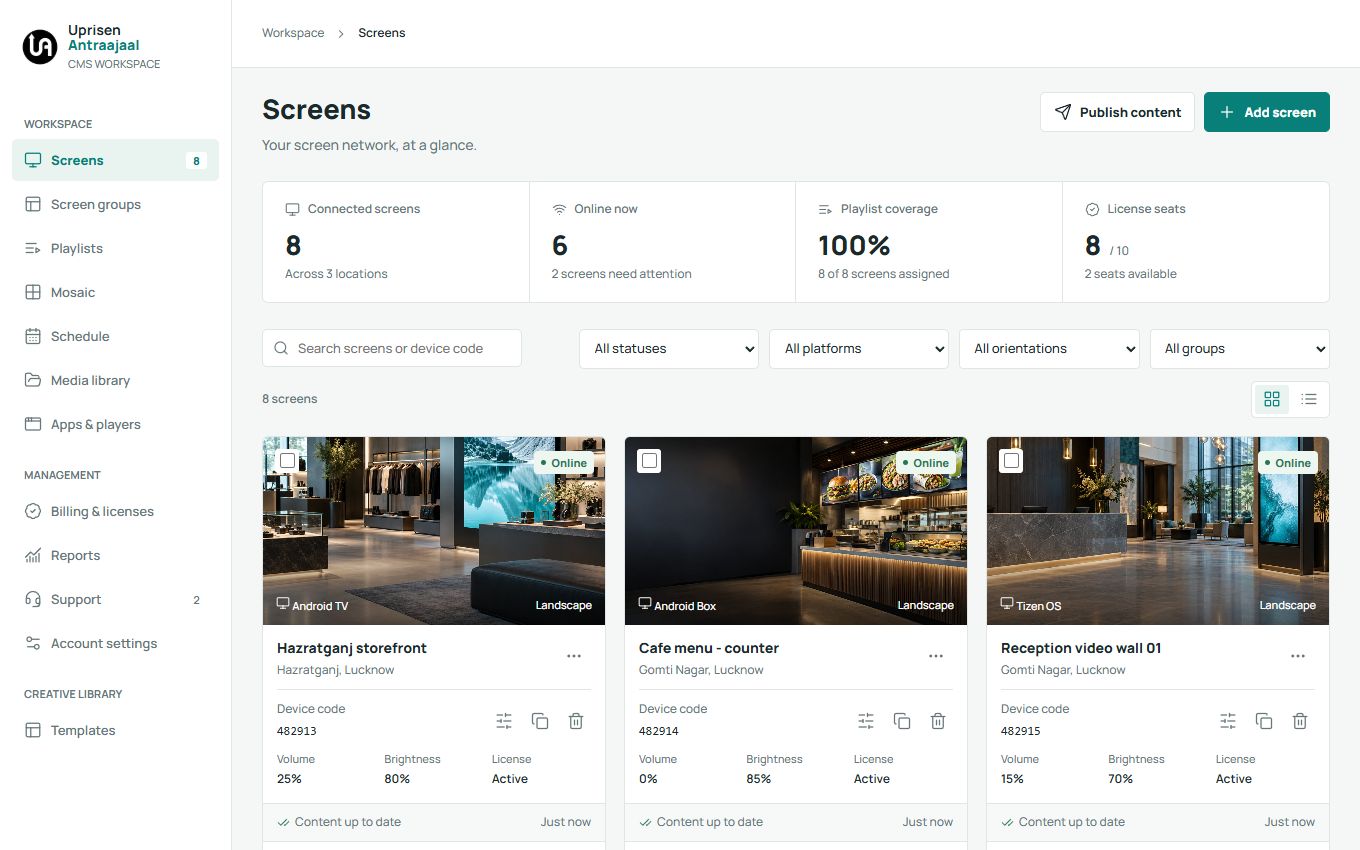
Find screens, check their status and open detailed controls without leaving your workspace.
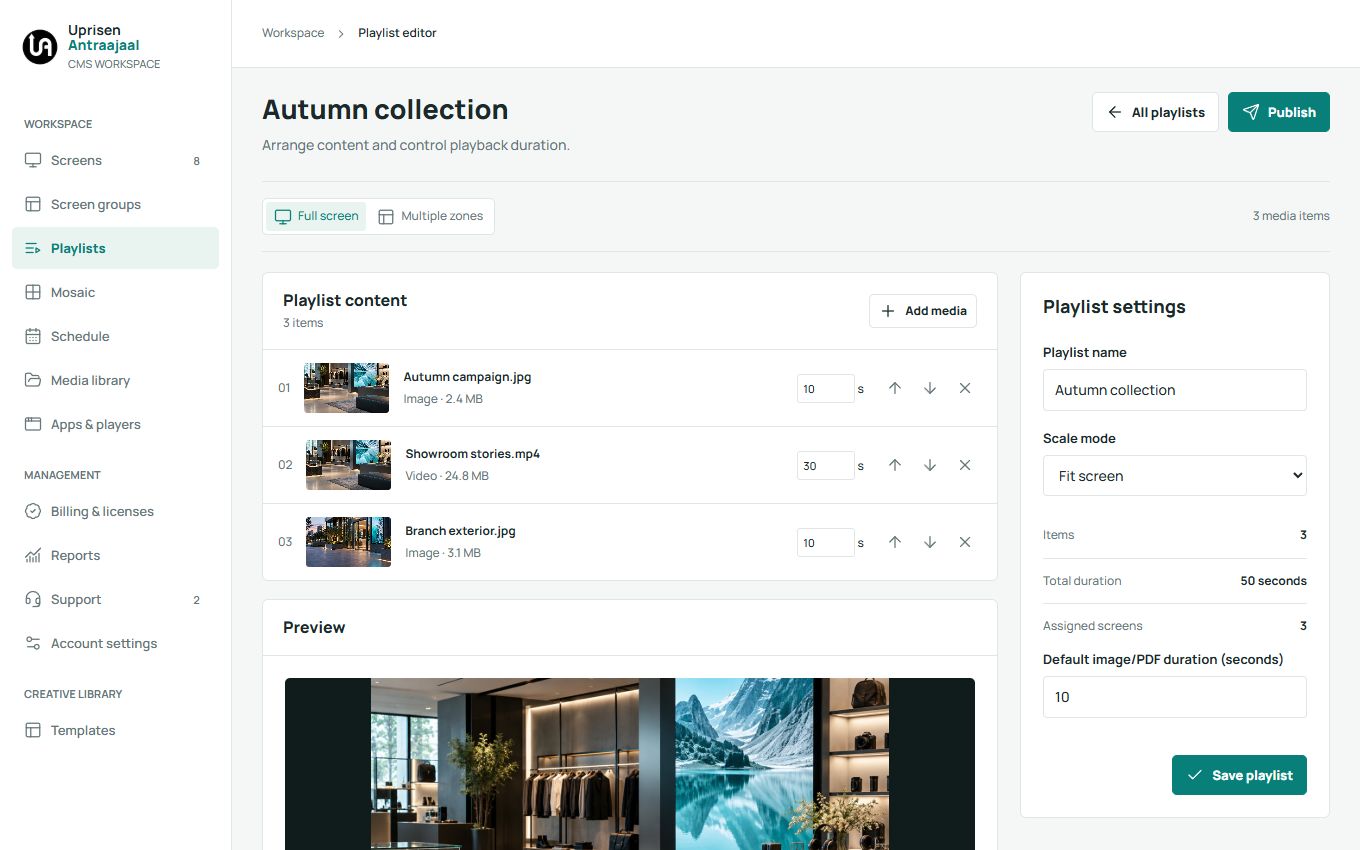
Bring different content types together and give each zone its own sequence.
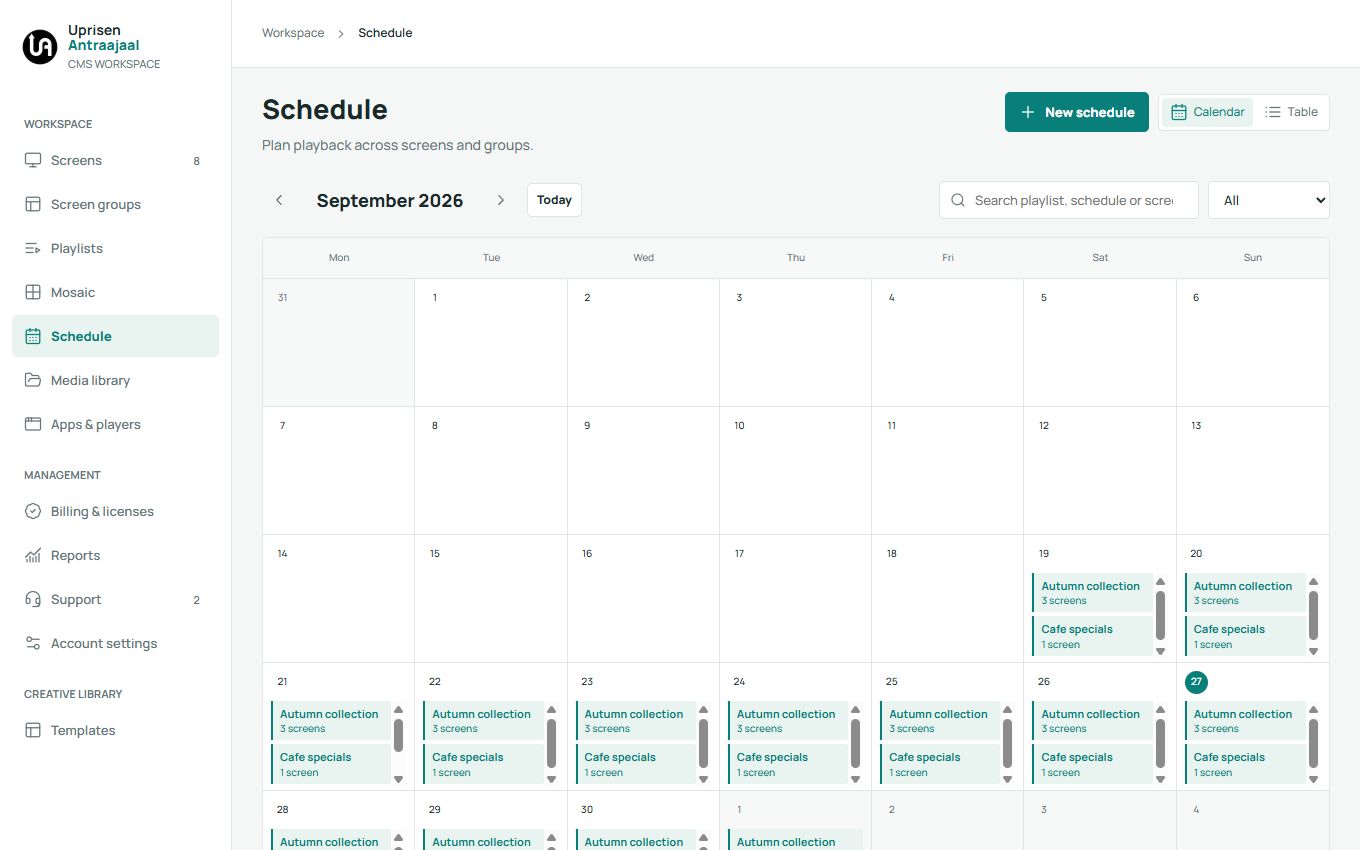
Prepare campaigns and review playback windows in a calendar-first workflow.
MORE TOOLS. FEWER WORKAROUNDS.
Multi-zone playlists
Combine videos, images, PDFs, tickers and clocks within a playlist. Adjust zones and choose between full-screen and multi-zone playback.
See it in a demoScreen Groups
Organize displays by branch, floor or department. Find unassigned screens and manage the displays that belong together.
See it in a demoCalendar scheduling
Set playback windows, review your calendar and choose follow-on content when a schedule ends.
See it in a demoMosaic video walls
Arrange rows and columns, map screens and prepare content for a coordinated video-wall setup.
See it in a demoGoogle Reviews + QR
Display available Google business reviews and add an optional QR code inviting visitors to write a review. Requires connectivity and provider availability.
See it in a demoScreen monitoring
Review device status, latest available screenshots, license expiry and supported remote controls from one workspace.
See it in a demoYOUR MEDIA, WITHOUT THE DETOUR
Upload from your device or import selected files from your connected services. Review them in one queue before saving to Media Library.
Selected-file imports
Choose files from your Dropbox
Import selected cloud files

Connect and export selected designs
Discover and import photos and videos
Connect your own accounts and import the content you choose. Provider permissions and asset licenses apply.
CONFIDENCE, BUILT INTO THE WORKFLOW
Supported media already downloaded to the player can continue offline. Live websites and online widgets still need connectivity.
Enable two-step verification and use the security-checked upload workflow. No security check can guarantee detection of every threat.
Review available activity reports, manage your account and contact support from your CMS workspace.
BUILT FOR YOUR EVERYDAY

Food & beverage
Menus, combos and timed offers. Updated across your restaurant screens.
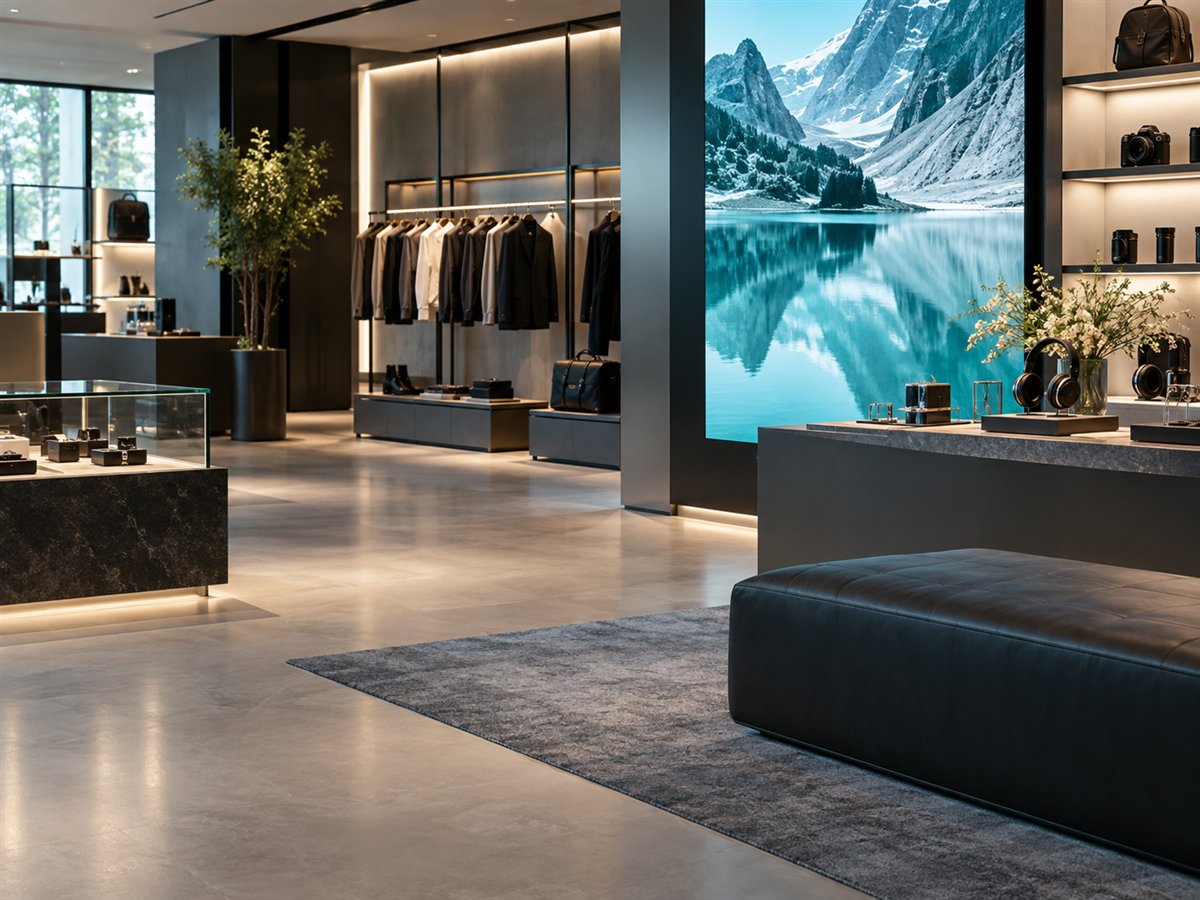
Retail & showrooms
New arrivals, brand stories and local offers, all in the right place.
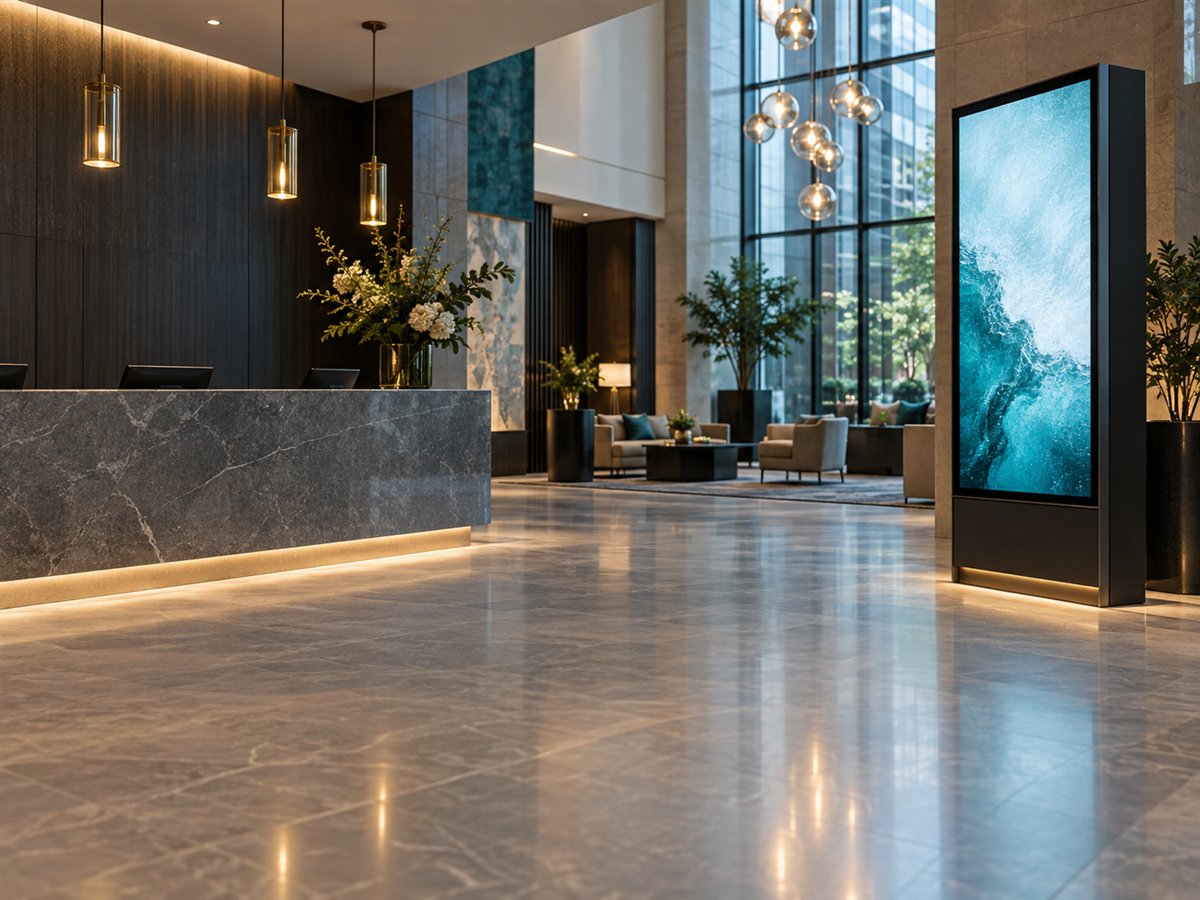
Offices & hospitality
A warm welcome, company updates and useful visitor information.
BEFORE YOUR FIRST SCREEN
Android TV, Android Box, Tizen OS, webOS and Windows Player. Check your model and player version with our team because installation, supported media and remote controls vary. View installation guidance.
Yes. Multi-zone playlists let you arrange separate content areas within one display. Mosaic is used for arranging a video wall across multiple displays. Your playback capabilities depend on the devices involved.
Upload supported files from your device, or choose content from the connected services available in Media Library. Organize your imported media into folders and reuse it in your playlists.
Previously downloaded supported media can continue playing. Remote changes and content that depends on live internet data need a connection. Test your chosen content on your player before deployment.
LET'S PUT YOUR SCREENS TO WORK
Bring your content, your devices and your questions.