
Screen Control
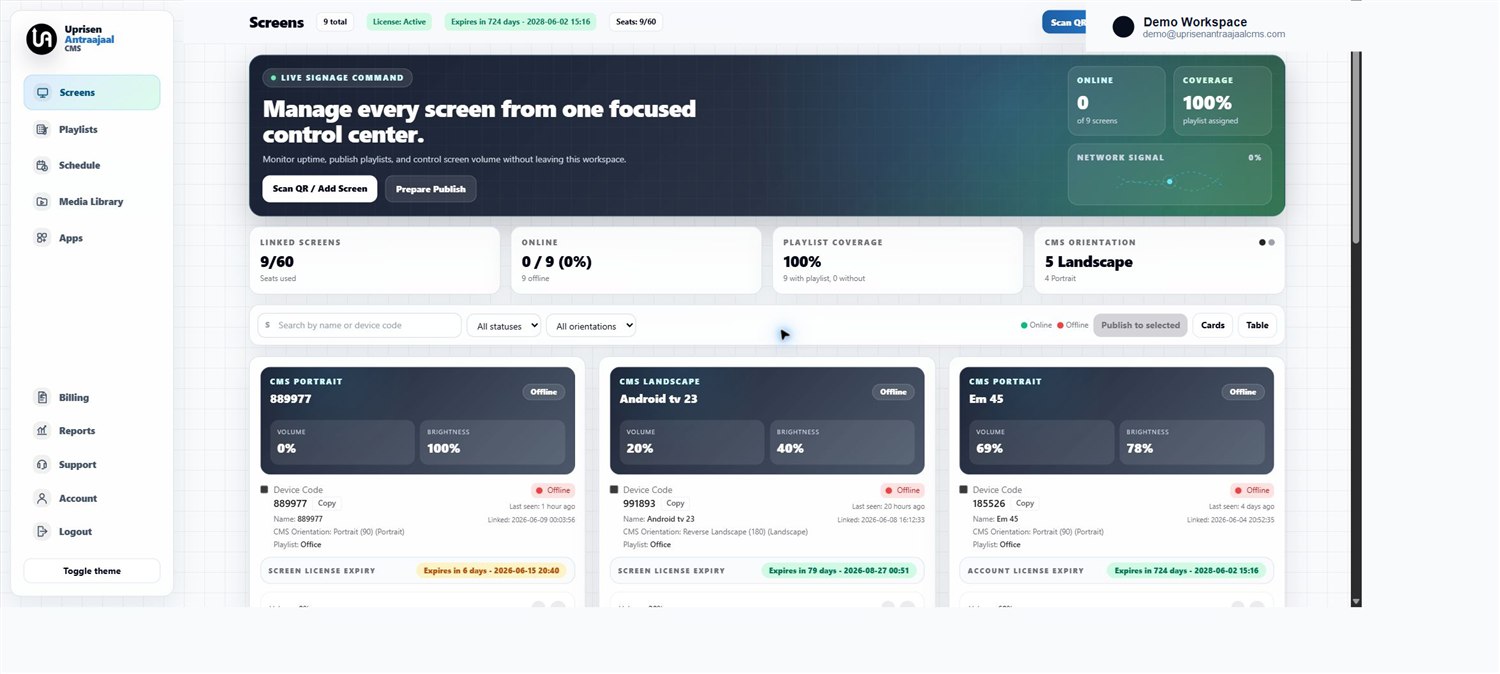
Pair screens with a code, manage orientation, check online status and organize displays by customer or location.
View Supported PlatformsUprisen Antraajaal CMS brings screen pairing, playlist publishing, scheduling, monitoring and license control into one cloud platform for Android TV, Android Box, Tizen OS, webOS and Windows Player networks.
Each product area is built for operators who manage screens across branches, customers and display platforms.
Pair screens with a code, manage orientation, check online status and organize displays by customer or location.
View Supported PlatformsDivide one display into multiple content zones for videos, images, promotions and supporting information.
See Mosaic Feature DetailsOrganize displays by branch, floor, department or customer and publish coordinated content in fewer steps.
See Screen Group DetailsUpload images, videos and PDF files, build playlists and publish updates to selected displays.
See Publishing WorkflowPrepare timed playback plans for offers, menus, notices and location-specific campaigns.
View Scheduling SolutionsTrack online status, sync health, screen reporting and device responses without visiting each site.
Read Monitoring FAQsManage license expiry, suspension, reactivation and customer access from the admin dashboard.
View Pricing PlansCreate reseller accounts, allocate licenses and support end-user screen networks at scale.
Open Partner Enquiry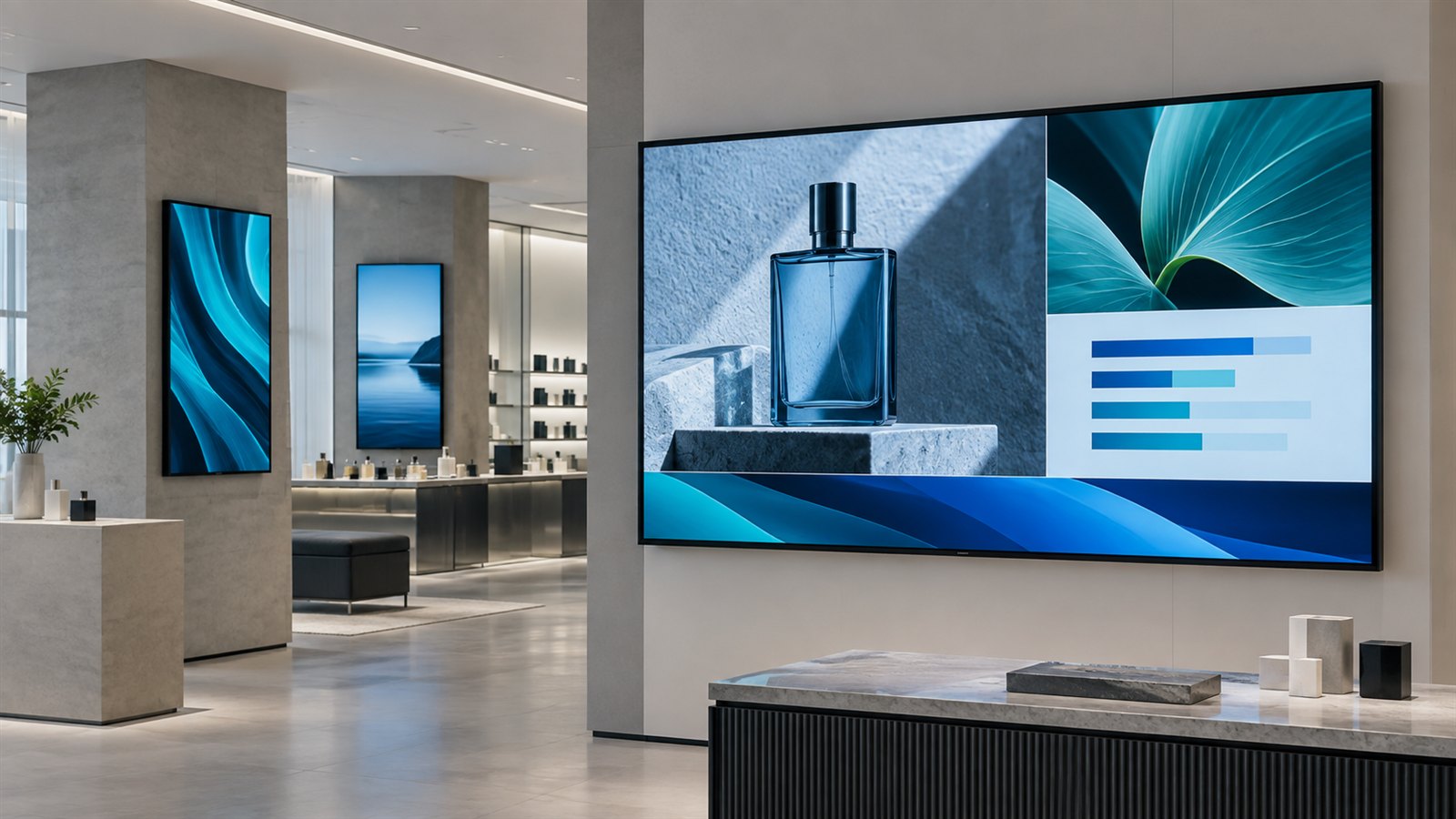
Mosaic layouts help one screen carry several content areas at once. Screen Groups help operators organize displays and publish the right campaign across selected locations without repeating the same work screen by screen.
The platform is designed for teams that need to update content quickly, know which screens are online and keep customer deployments organized.
Register screens with device codes, assign them to customers or locations, switch orientation and keep Android TV, Android Box, Tizen OS, webOS and Windows Player displays visible from one place.
Create playlists for menu boards, notices, promotions and branch campaigns. Mix images, videos and PDF content so teams can publish without rebuilding the screen setup.
Prepare timed playback for offers, events, daily menus and seasonal campaigns. Operators can plan what should play and when without touching the player device.
Track online status, sync health and screen reporting so support teams can spot issues before customers call. Remote commands help refresh playback and recover supported players.
Control active screens, license expiry, suspension and reactivation from the admin dashboard. This keeps commercial deployments clean as customers add or remove screens.
Support agencies and signage providers with reseller accounts, license allocation and end-user management for multi-customer deployments.
Create structured multi-zone screen layouts for product visuals, promotions, supporting media and information within the same display.
Organize screens into practical groups and control content for branches, departments, customers or campaign networks from one place.
The product flow is simple enough for one-screen customers and organized enough for agencies, resellers and multi-branch businesses.
Open Install GuideUprisen Antraajaal CMS helps teams avoid USB updates, repeated site visits and unclear screen status.
Share your device type, screen count and use case, and the team can guide you through the right setup.