Industries

Digital signage for your industry.

Menus in a restaurant. New arrivals in a showroom. A welcome in the lobby. Bring each location's content into one connected CMS.

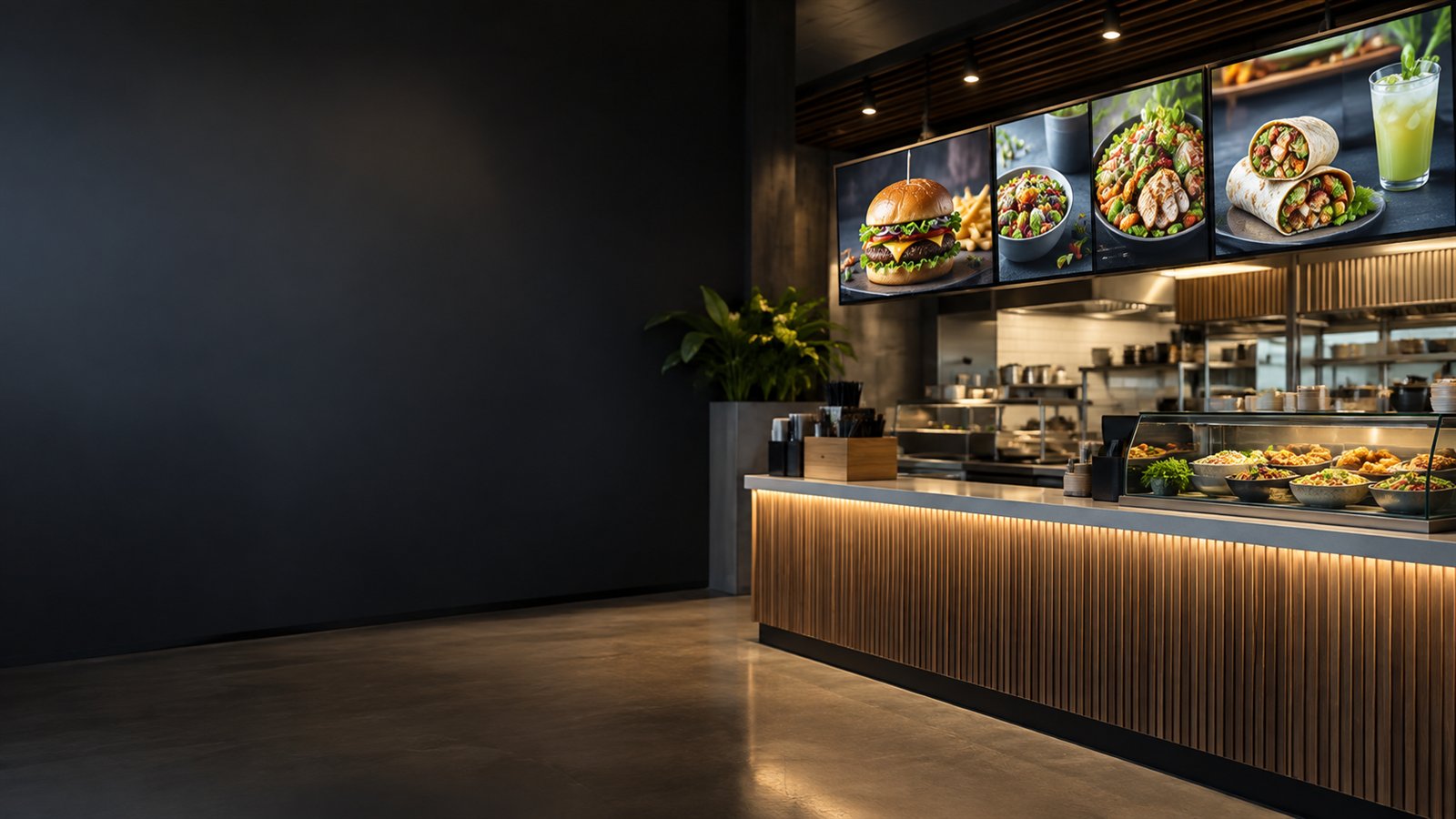
Digital menu displays above a restaurant counter

FOOD & BEVERAGE

Restaurants & cafes

Keep menus, prices and offers consistent across outlets, with room for local specials.

On your screens

  • Breakfast, lunch and dinner playlists
  • Menu images, PDF price lists and promotional videos

In your workspace

  • Schedule offer windows before service
  • Group screens by outlet and publish local menus
Explore scheduling
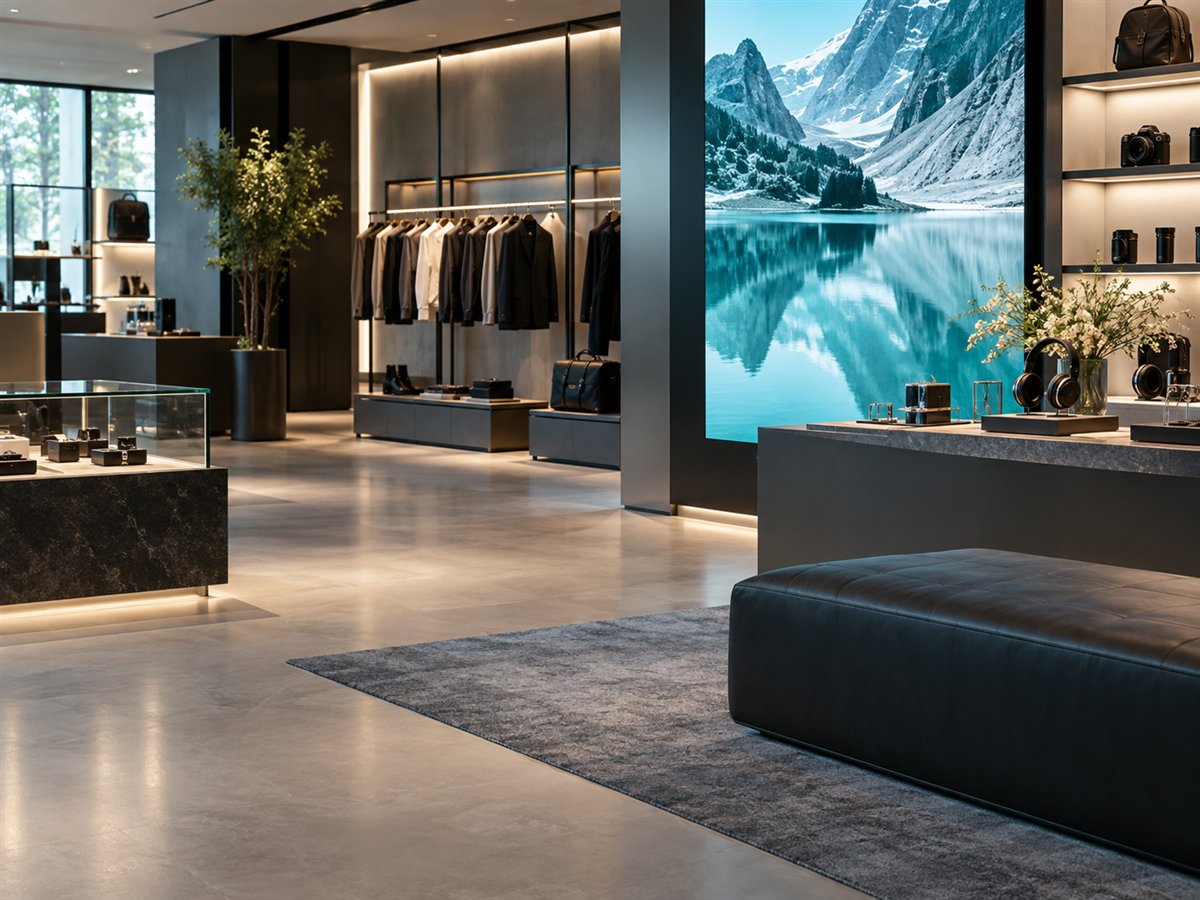
Portrait signage in a retail showroom

RETAIL & SHOWROOMS

Retail stores & showrooms

Bring product stories and seasonal promotions to shop floors and showroom displays.

On your screens

  • New arrivals, brand films and product highlights
  • Store-specific promotions and seasonal campaigns

In your workspace

  • Build portrait and landscape playlists
  • Combine product media and offers in Mosaic Layouts
Explore Mosaic Layouts
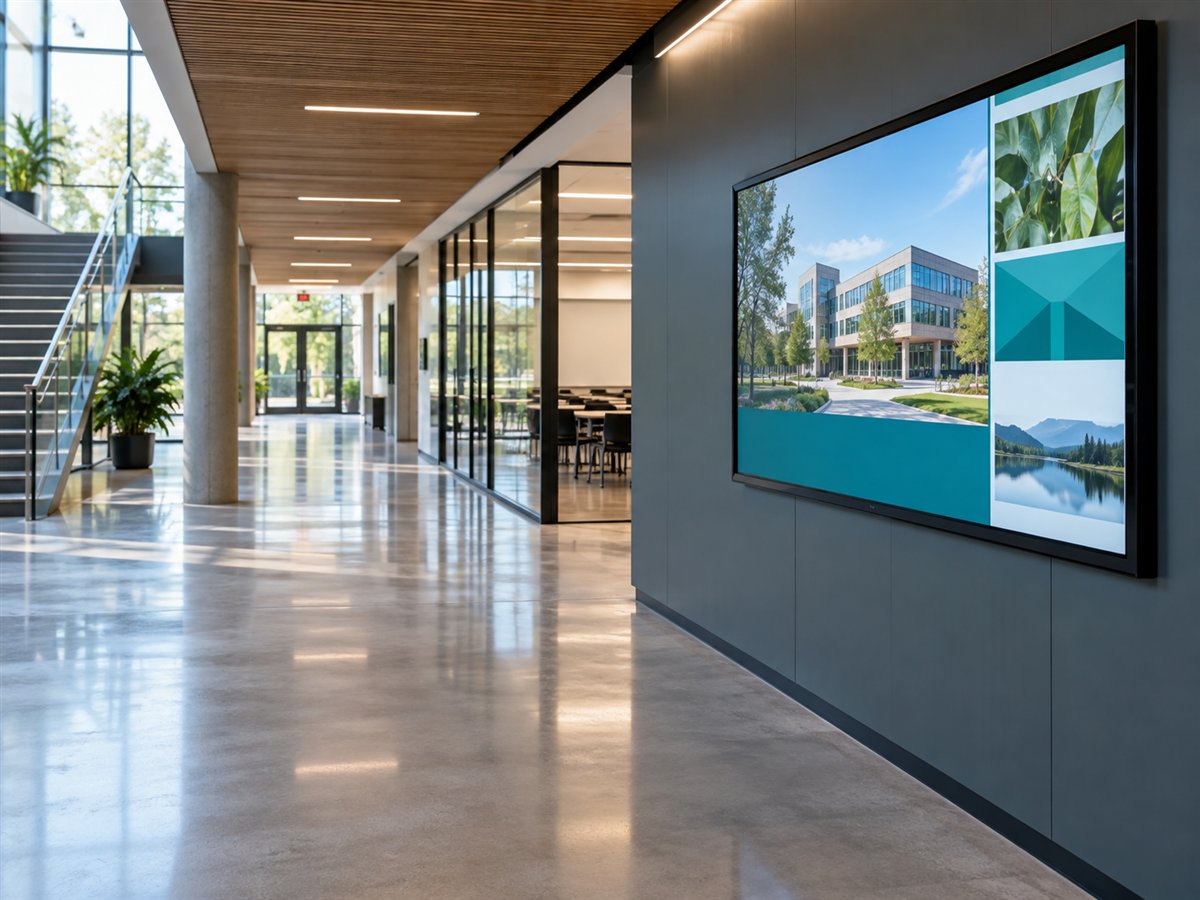
Digital notice display in an education building

EDUCATION

Schools & campuses

Keep students, staff and visitors informed across reception areas, departments and shared spaces.

On your screens

  • Timetables, events and campus announcements
  • Visitor information and department notices

In your workspace

  • Organize displays by building or department
  • Schedule notices for the period they are relevant
Explore Screen Groups
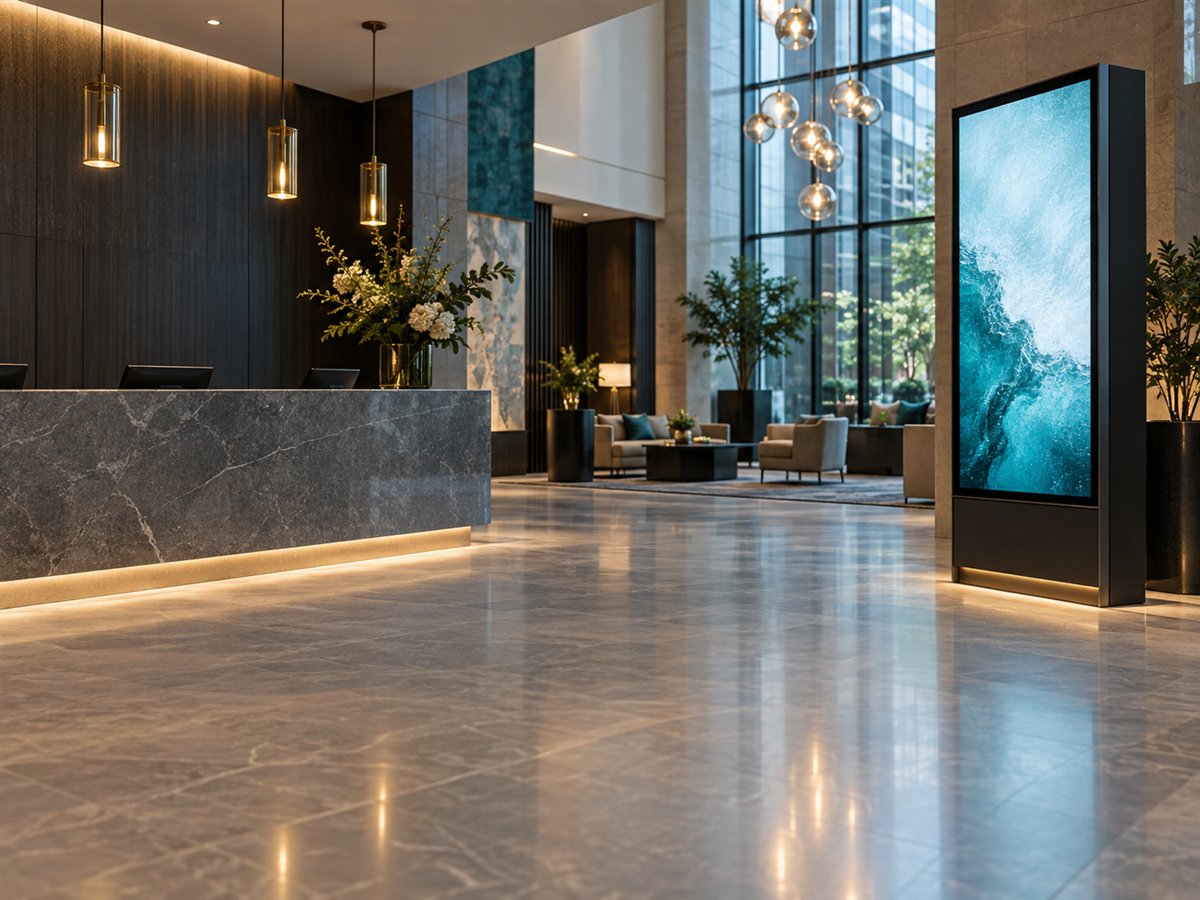
Portrait digital signage in a hotel lobby

HOSPITALITY & WORKPLACES

Hotels, lobbies & offices

Make reception screens useful for guests, visitors and the people working in your buildings.

On your screens

  • Guest welcomes, facility information and wayfinding
  • Meeting notices, internal updates and lobby promotions

In your workspace

  • Manage different content for each area
  • Review available device status and remote controls
Explore remote operations
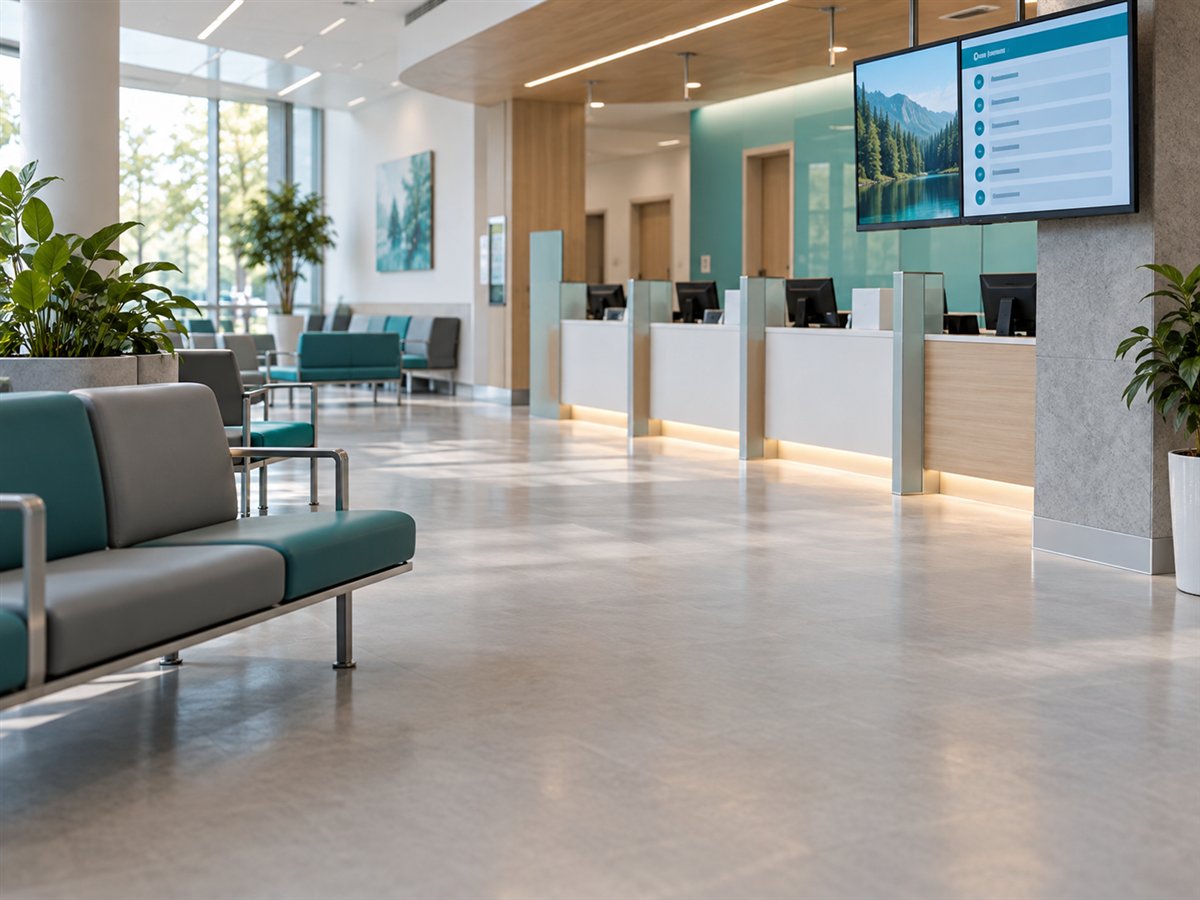
Information and queue displays in a waiting area

HEALTHCARE & SERVICE

Clinics & service counters

Use waiting-area screens to share clear visitor guidance and helpful service information.

On your screens

  • Visitor instructions and waiting-room content
  • Counter announcements and queue guidance

In your workspace

  • Schedule information for each location
  • Confirm integration needs for live token data
Discuss connected content
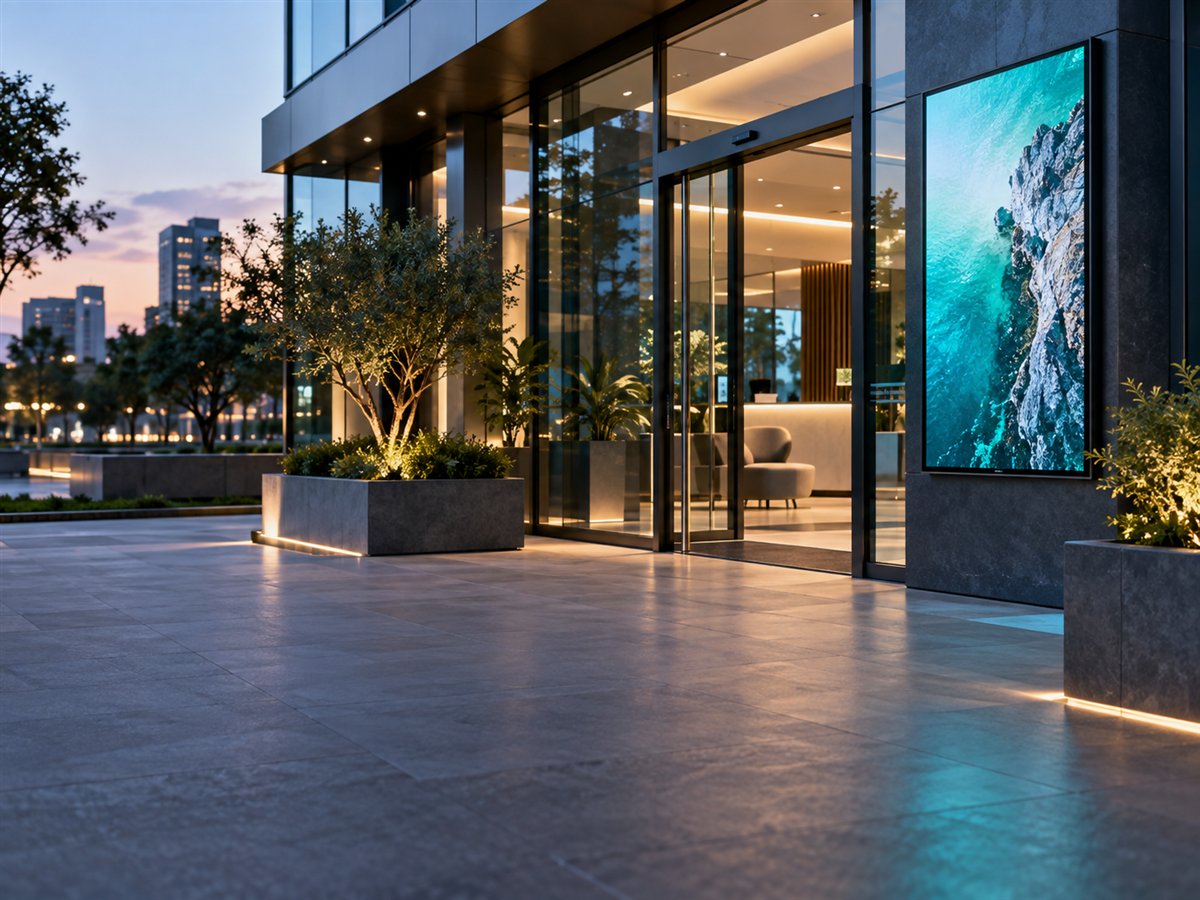
Digital standee outside a commercial branch

BRANCHES & PARTNERS

Branch & reseller networks

Coordinate content and screen operations across customer sites without visiting every location.

On your screens

  • Branch promotions and customer campaigns
  • Location-specific playlists and shared brand content

In your workspace

  • Organize Screen Groups by customer or branch
  • Allocate licenses and review device activity
Become a reseller partner

ONE REPEATABLE WORKFLOW

Different locations.
The same clear process.

Keep the operational work consistent while each team publishes the content its audience needs.

  1. 01

    Choose your screens

    Plan menu boards, portrait standees, lobby displays or counter screens.

  2. 02

    Organize locations

    Group displays by outlet, department, customer or branch.

  3. 03

    Publish & schedule

    Assign playlists and time windows that match business hours and campaigns.

  4. 04

    Review the network

    Check available device status, activity and license information from the CMS.

PLAN YOUR ROLLOUT

Start with your space.
Choose the right setup.

Tell us your business type, screen count, locations and content. We can review the player and workflow with you before deployment.

Discuss your industry

Your platform. Your choice.

Player controls and media support depend on the platform and hardware. Supported downloaded media can continue playing offline; live data and new updates need connectivity.

Open the Install Guide

SEE IT WITH YOUR CONTENT

A demo around your business.

Explore the screens, playlists and operations your team would use.

Dashboard preview