
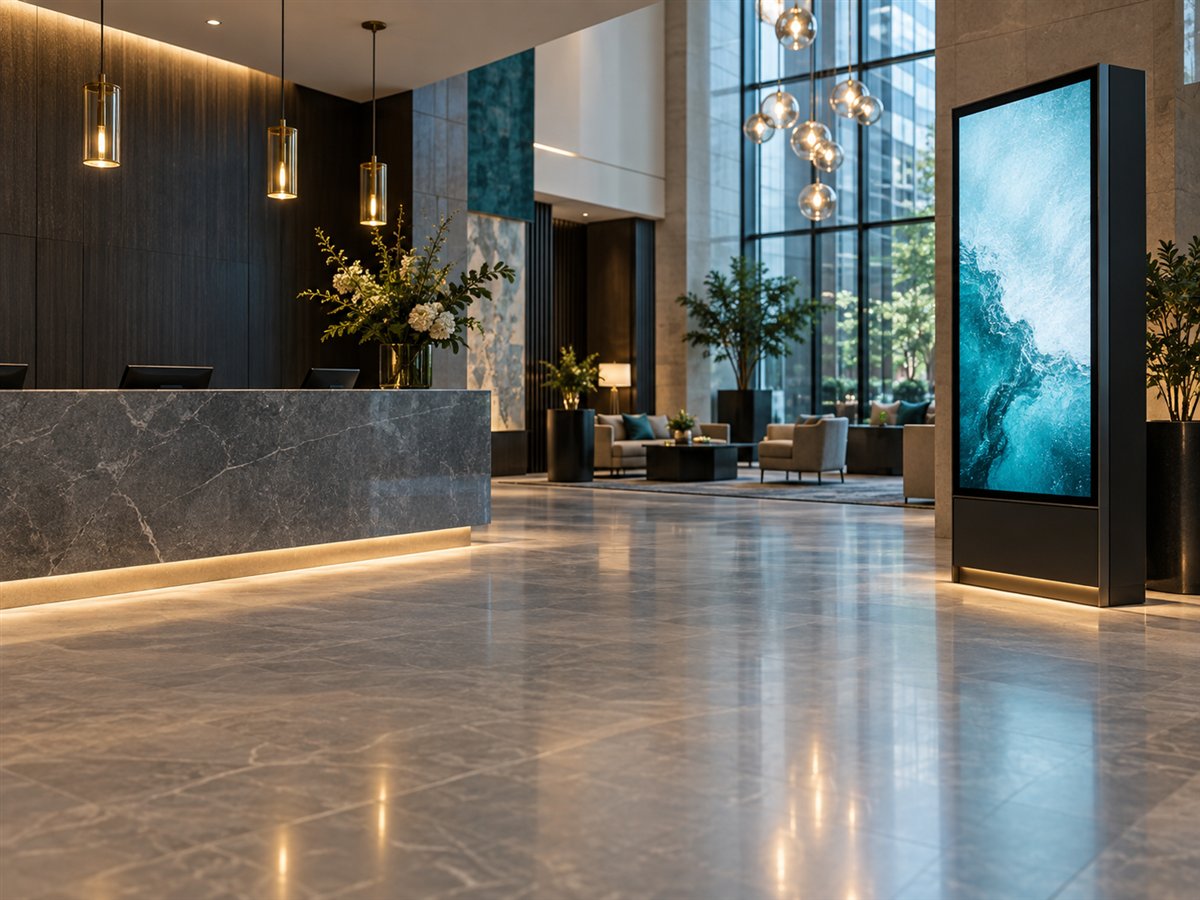
Mosaic video walls
Arrange multiple displays into a video wall. Define rows, columns and each screen's position for the composition.
See Mosaic in a demoUPRISEN ANTRAAJAAL CMS
From your first upload to a multi-location screen network. Create, schedule and manage digital signage in one connected workspace.
SCREEN MANAGEMENT
Know what is online, what is assigned and which screens need attention.
MULTI-ZONE PLAYLISTS
Create a full-screen sequence or combine media and widgets in independently positioned zones.
ONE SCREEN OR A WHOLE WALL
Arrange multiple displays into a video wall. Define rows, columns and each screen's position for the composition.
See Mosaic in a demoOrganize displays by location or purpose. Find the right group, review its screens and manage content across your network.
See it in a demo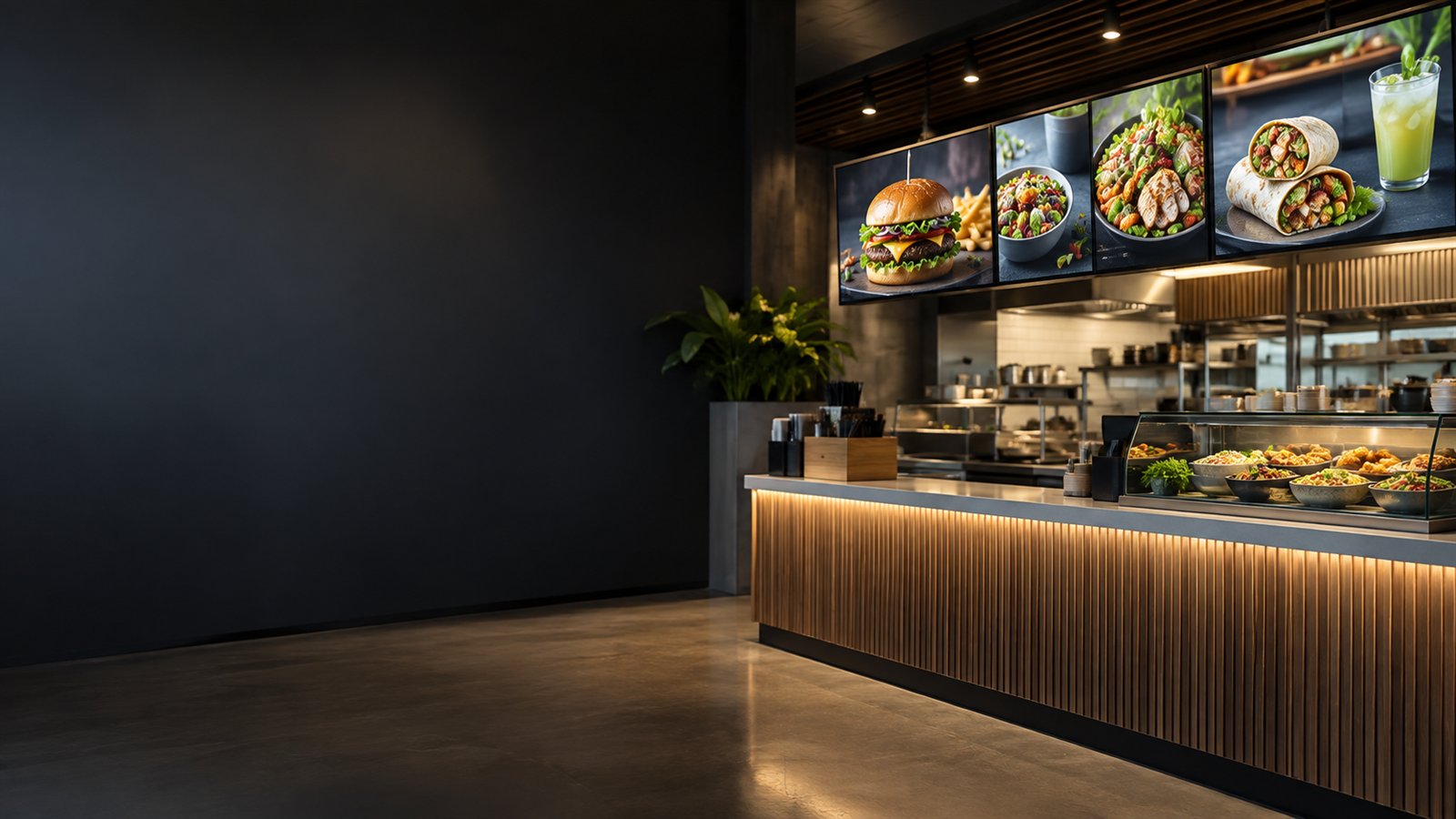
Divide one display into zones. Run a main video alongside supporting images, a ticker or a device-time clock.
Explore the editorCONTENT SCHEDULING
Organize campaigns in a calendar and choose when content starts and ends.
REMOTE OPERATIONS
Bring screenshots, device information and operational controls into one place.
Remote commands require a reachable player. Available controls depend on the device and platform.
REPORTS & ACTIVITY
Review what happened across your network and bring useful records into your support workflow.
YOUR CONTENT, CONNECTED
Choose the content you need, import it into Media Library and use it in your playlists.
Import selected files from your Drive.
Choose files from your Dropbox.

Bring selected cloud files into your library.

Export chosen designs into signage media.
Find photography and video for your content.
Show your business reviews and add an optional QR code inviting customers to write a review.
READY FOR EVERYDAY OPERATIONS
Downloaded supported media can keep playing through a connection interruption. Websites and live data sources require internet access.
Enable two-step verification and use the media validation workflow as part of your day-to-day operations.
Discuss security & reliabilityPLAN YOUR WORKFLOW
Uprisen Antraajaal CMS supports Android TV, Android Box, Tizen OS, webOS and Windows Player. Our team can help confirm the installation and controls for your device model.
Use Multi-Zone to combine content on one display, Mosaic to compose a video wall across displays, and Screen Groups to organize your network by location or purpose.
Yes. Bring selected files and designs into Media Library alongside direct uploads, then use the content in your playlists. Import an updated version when you want to change an imported asset.
Allow supported media to finish downloading to the player before disconnecting it. Test your complete playlist on the intended device; live websites and online data still need a connection.
YOUR NEXT SCREEN STARTS HERE
Bring your screens, your content and your questions.