
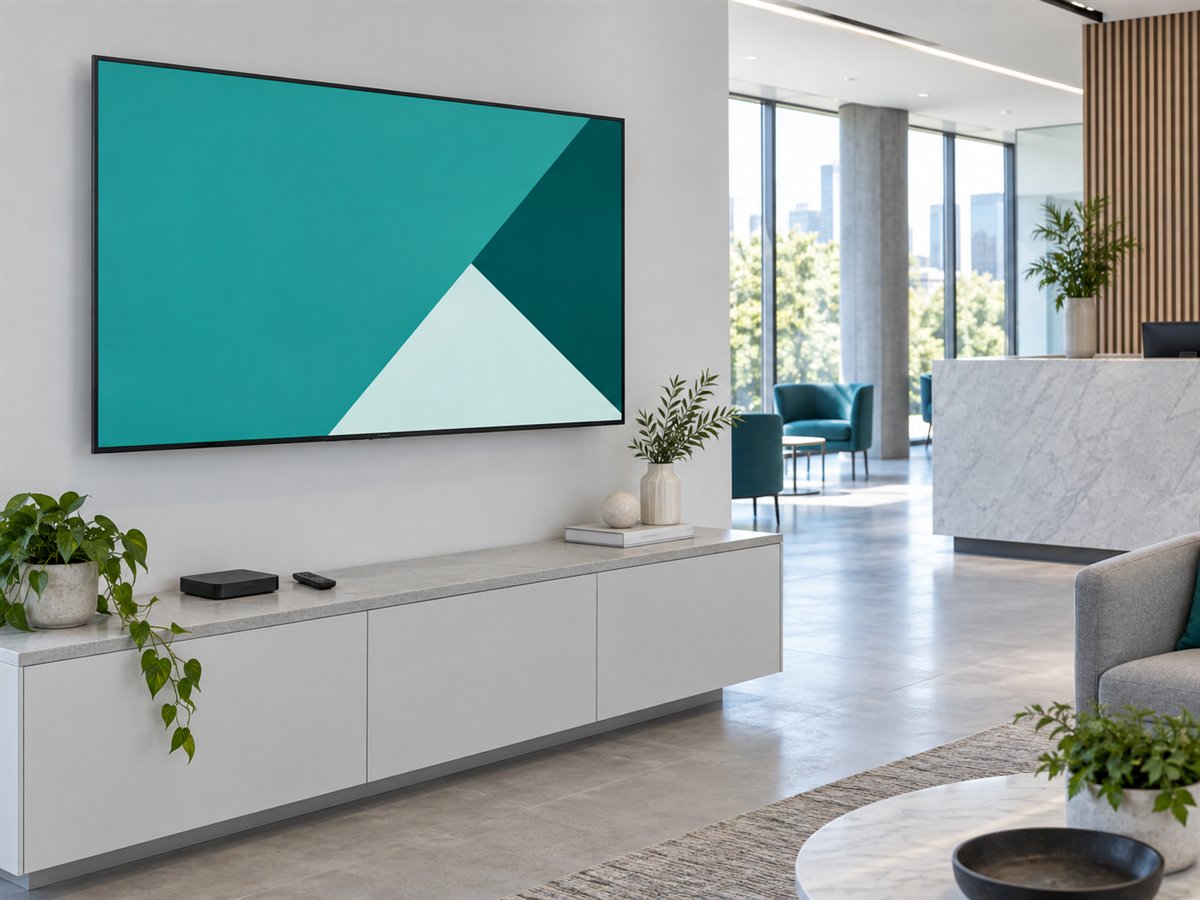
TV displays and digital standees
Android TV
Install the Android player on a supported Android TV device. Open the app and connect its device code to your CMS account.
Get setup guidancePLAYERS & PLATFORMS
Choose the player for your hardware. Keep content, scheduling and screen management in the same workspace.
TV displays and digital standees
Install the Android player on a supported Android TV device. Open the app and connect its device code to your CMS account.
Get setup guidance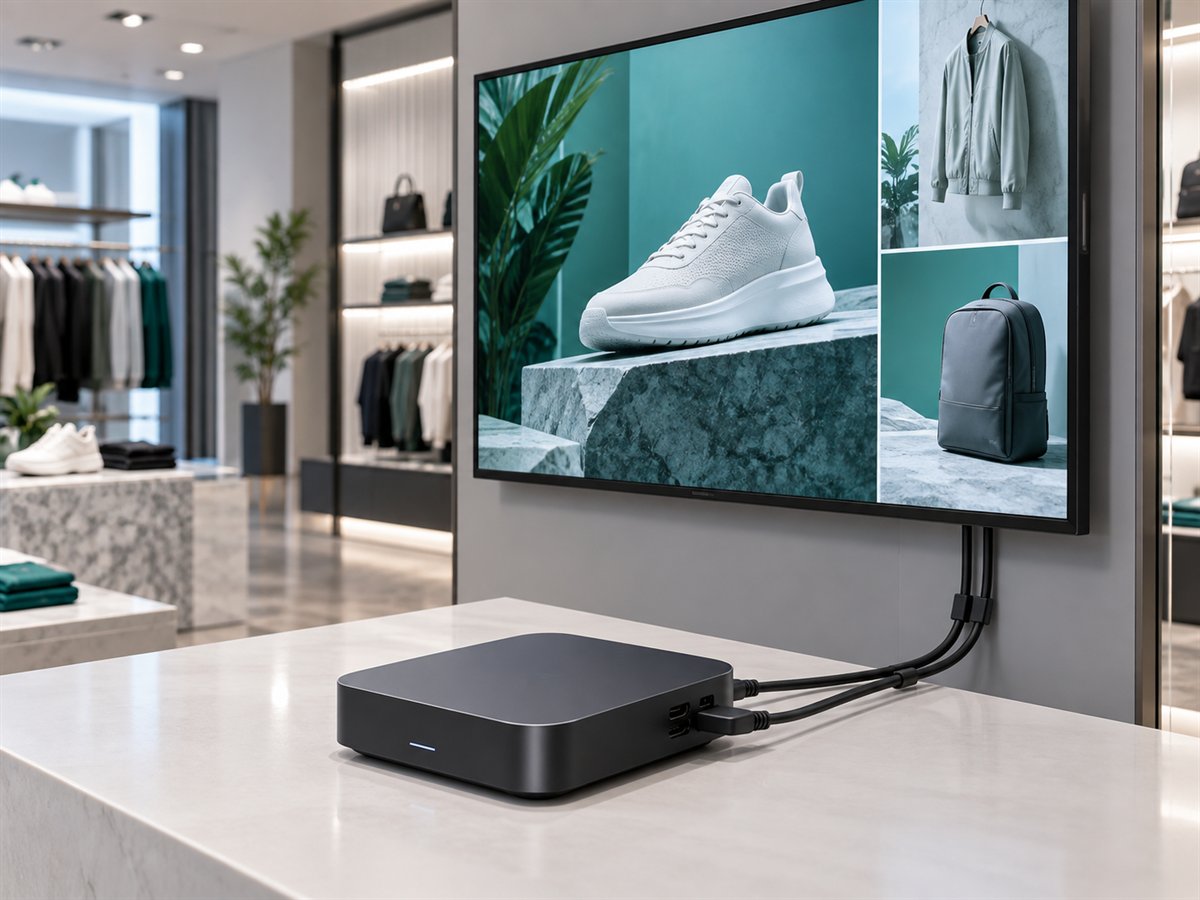
Turn an existing screen into signage
Connect a supported Android Box to your display, install the player and pair the device in the dashboard.
Get setup guidance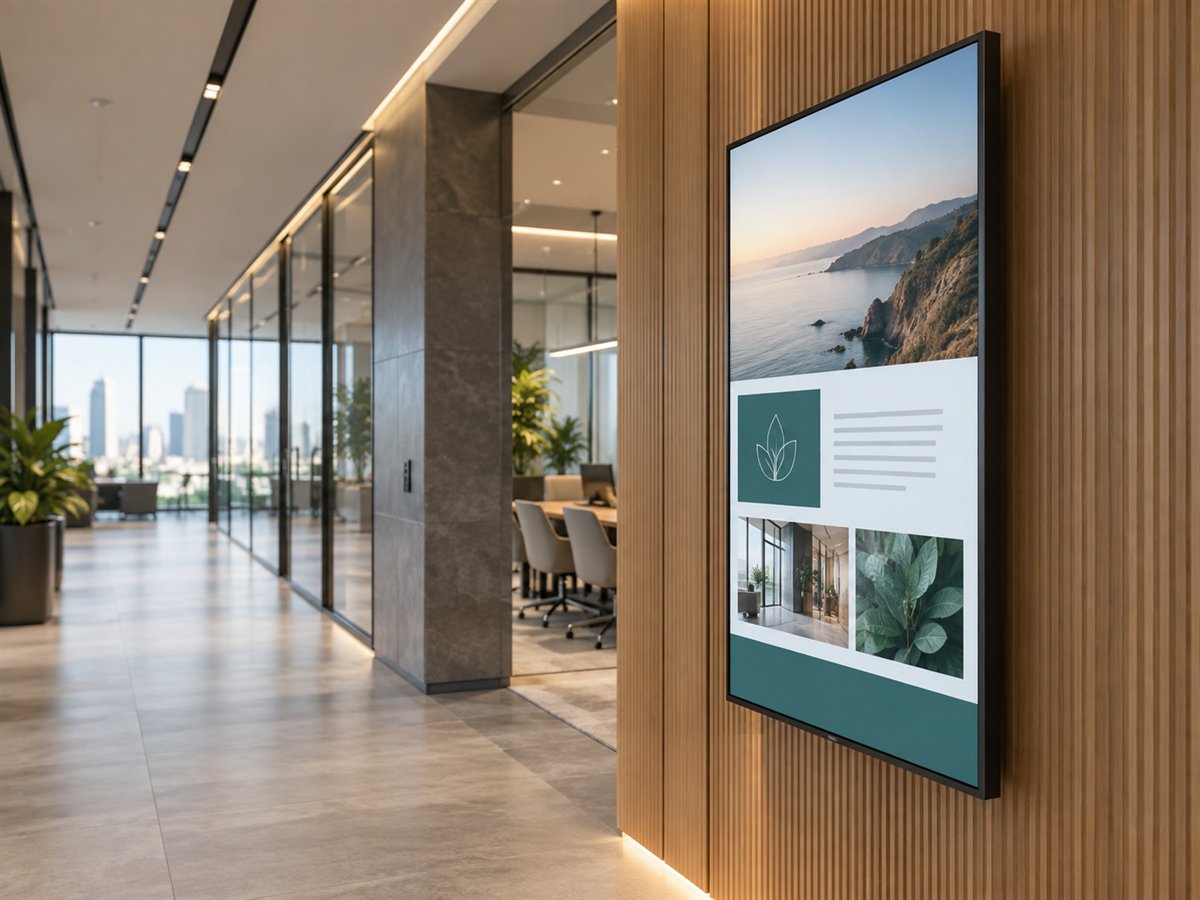
Commercial signage displays
Use the supported Tizen OS Custom App installation workflow. Confirm the display model and app package before rollout.
Get setup guidance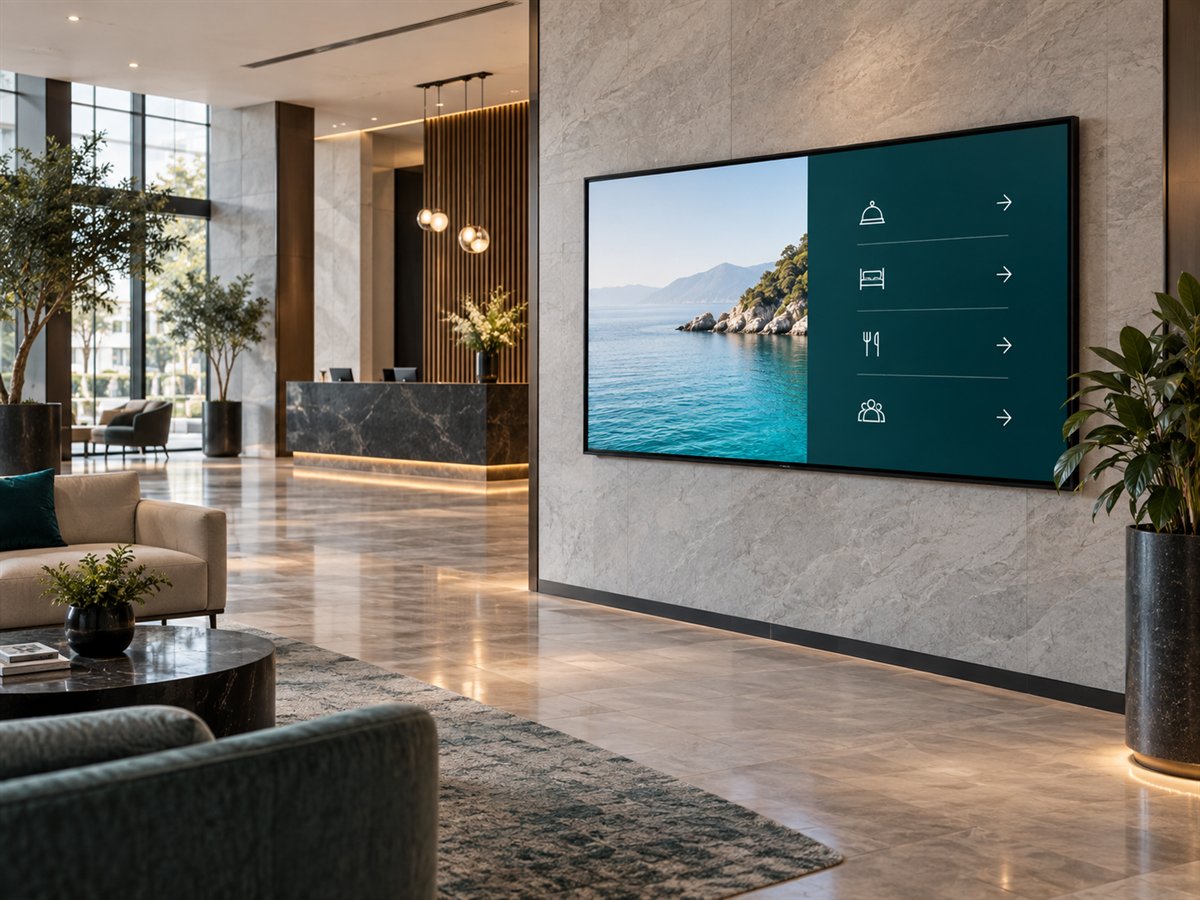
Connected commercial displays
Use the webOS player setup for supported commercial signage displays. Confirm model and deployment requirements with the team.
Get setup guidance
PC-connected signage networks
Install the Windows Player on a supported PC, connect your display and pair the device code with your CMS workspace.
Get setup guidanceBEFORE YOU DEPLOY
YOUR NEXT SCREEN STARTS HERE
Bring your screens, your content and your questions.