Digital Signage Solutions

Digital signage solutions for restaurants, retail, offices and screen networks.

Use Uprisen Antraajaal CMS to run menu boards, retail promotions, lobby screens, education notices, healthcare queues and reseller deployments from one cloud dashboard.

Menu BoardsRetail CampaignsLobby ScreensReseller Networks
Uprisen Antraajaal CMS schedule dashboard for planning playlist playback by screen and time
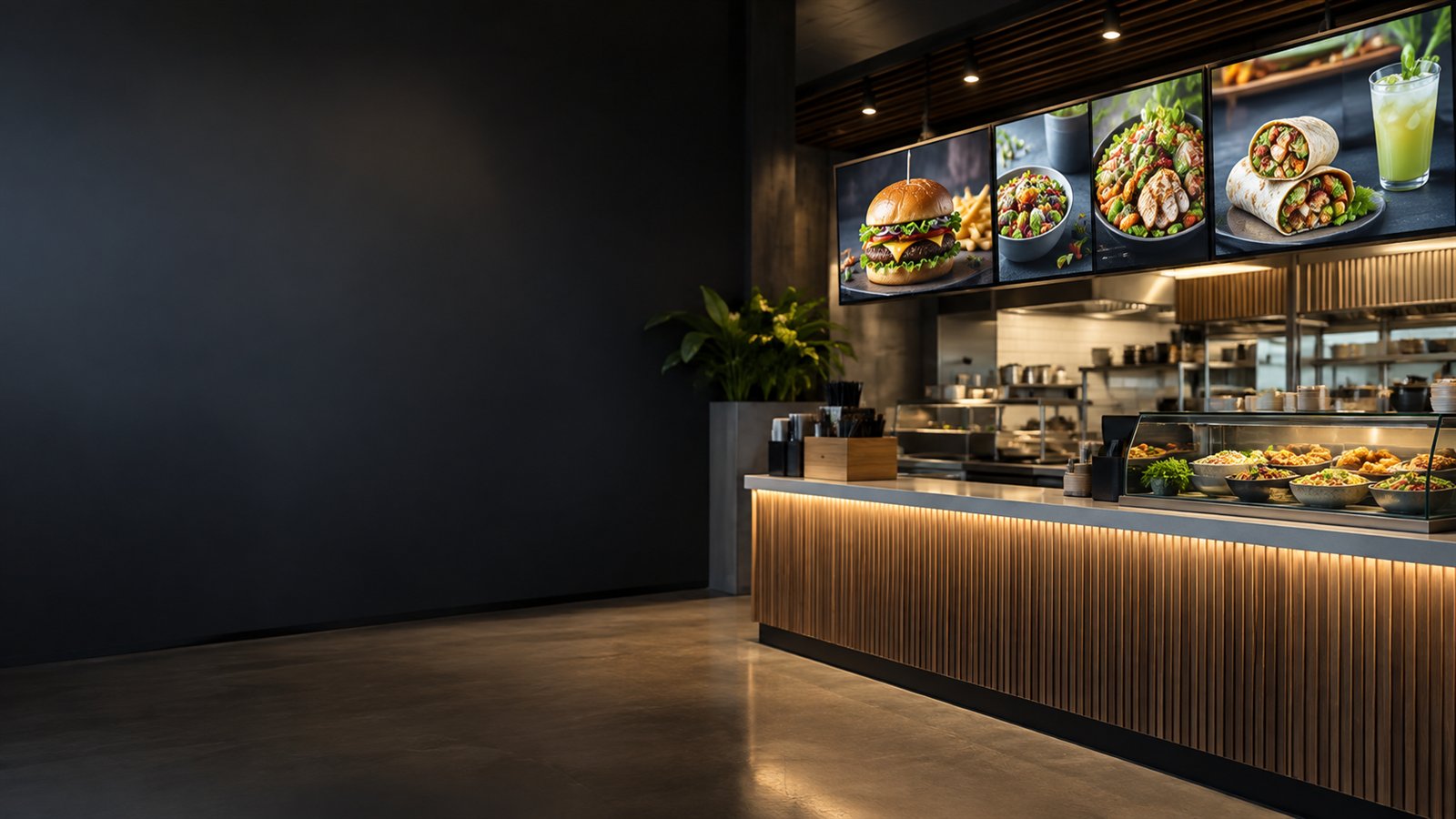
FoodDigital menu boards and offers
RetailPromotions and branch campaigns
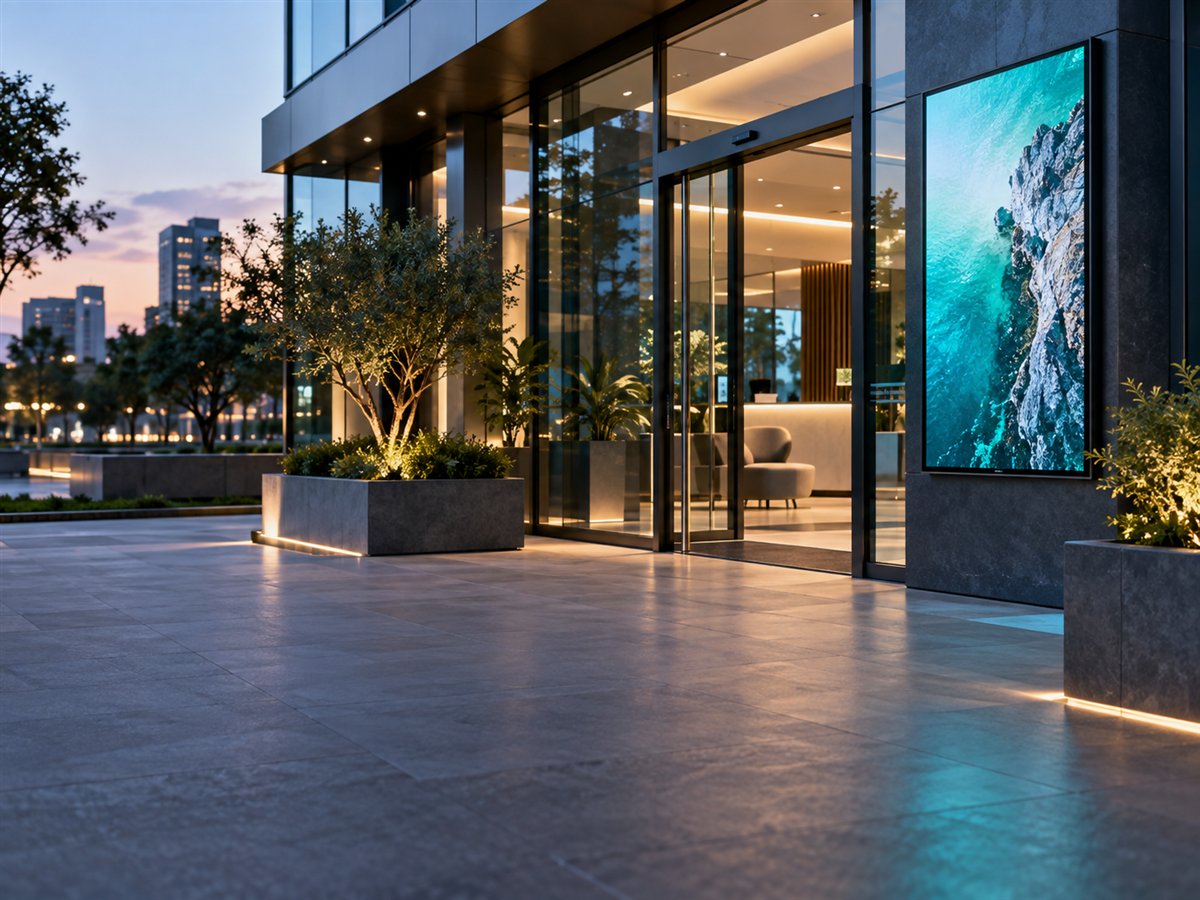
OfficeLobby and internal displays
AgencyReseller screen networks
Solution Areas

Screen workflows for high-change business content.

Each solution uses the same CMS foundation: media upload, playlists, scheduling, device pairing, monitoring and license control.

01

Digital Menu Boards

Restaurants, cafes and food courts can update menus, combos, limited-time offers and PDF price lists across screens without visiting each outlet.

  • Timed menus and offers
  • PDF menu playback
  • Branch-wise playlists
02

Retail Digital Signage

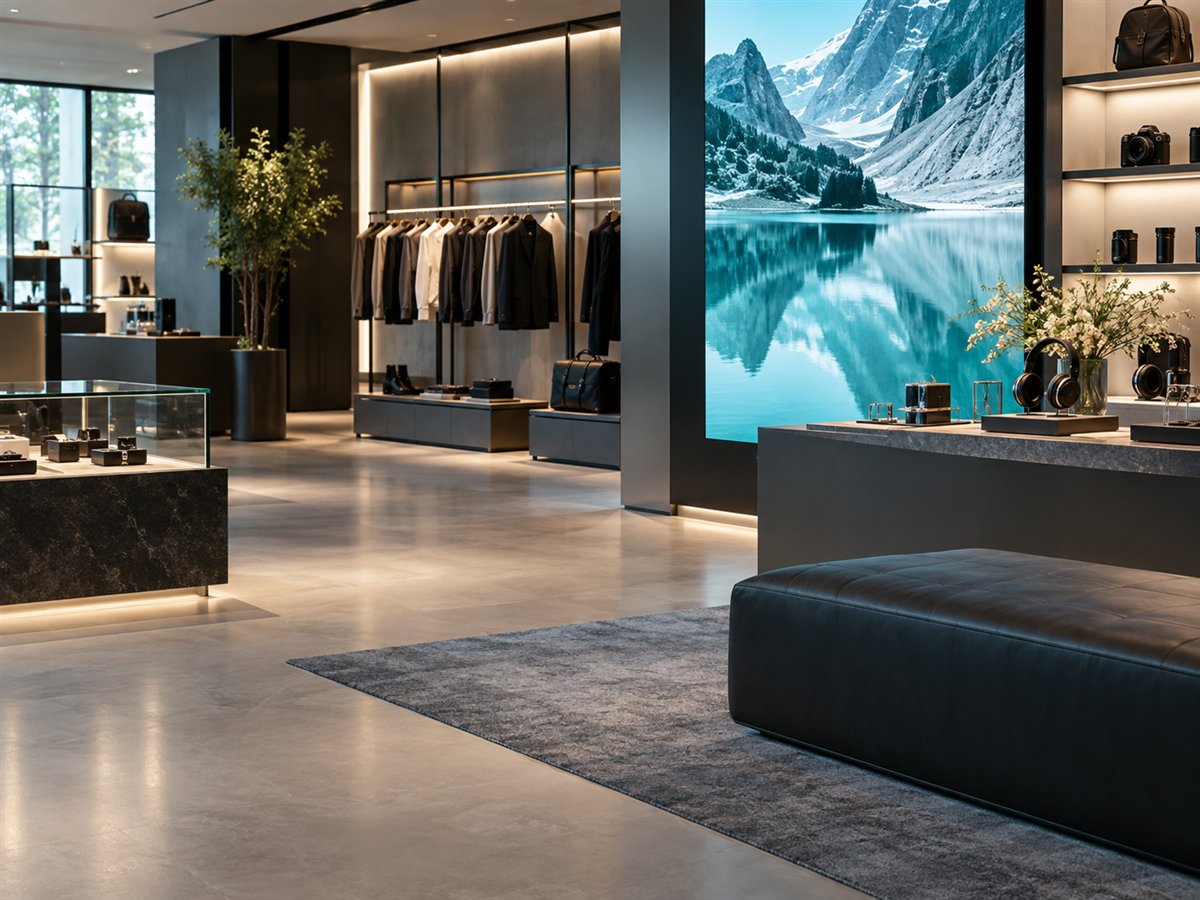
Retail stores and showrooms can publish sale campaigns, brand videos, new arrivals and local offers across many locations.

  • Promotion scheduling
  • Brand video playback
  • Location-specific campaigns
03

Corporate Displays

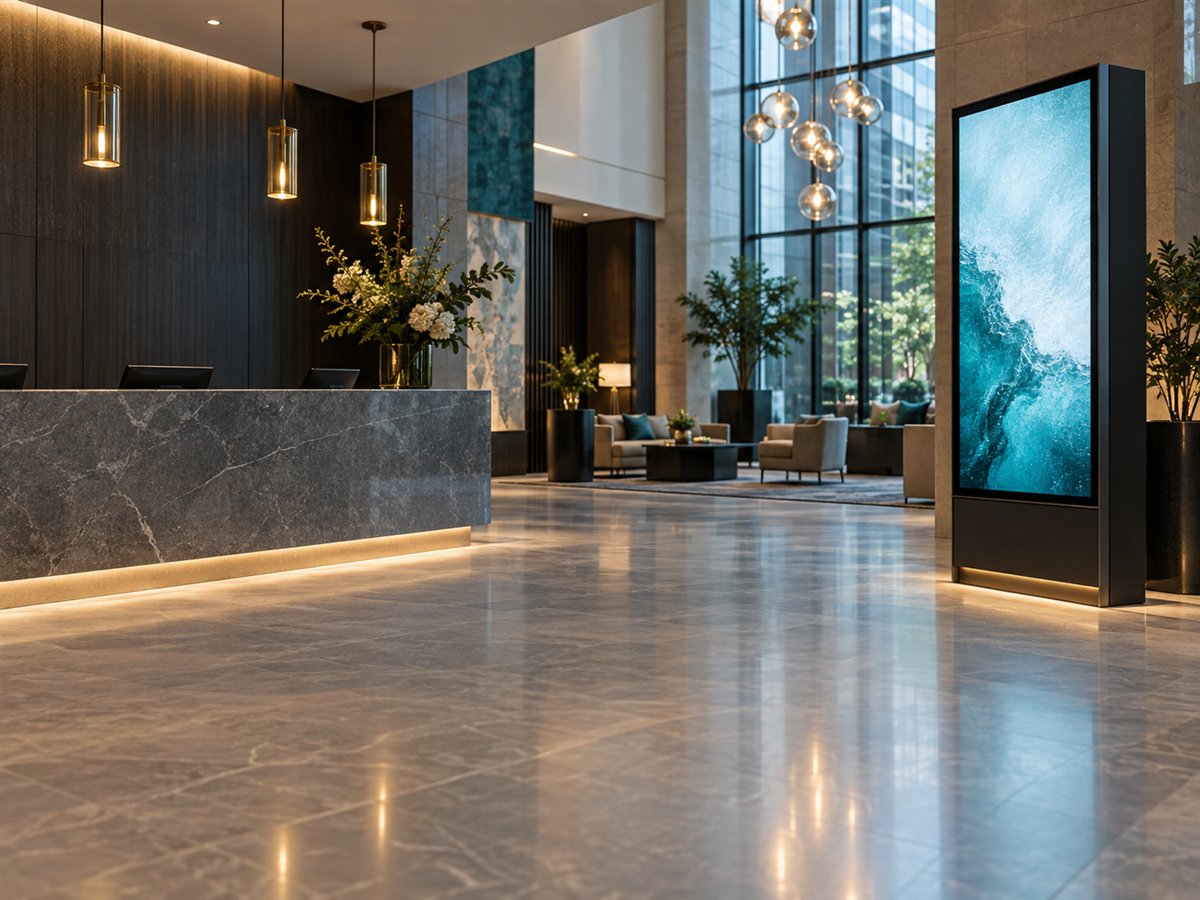
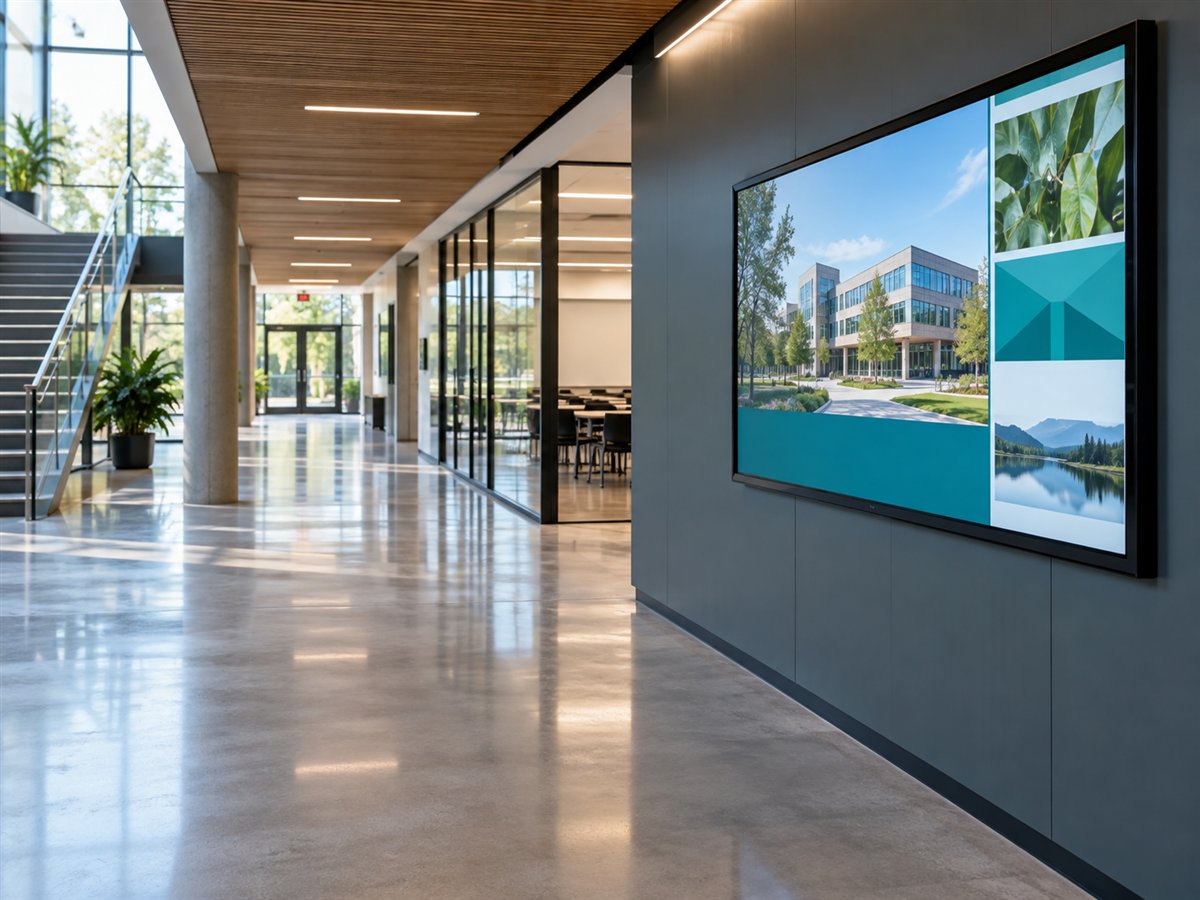
Offices can run lobby welcomes, internal dashboards, announcements, HR notices and visitor guidance from a controlled dashboard.

  • Lobby screens
  • Internal announcements
  • Department playlists
04

Education Notices

Schools, colleges and institutes can publish schedules, event reminders, emergency messages and campus updates to display networks.

  • Notice boards
  • Event schedules
  • Emergency messaging
05

Healthcare and Queue Screens

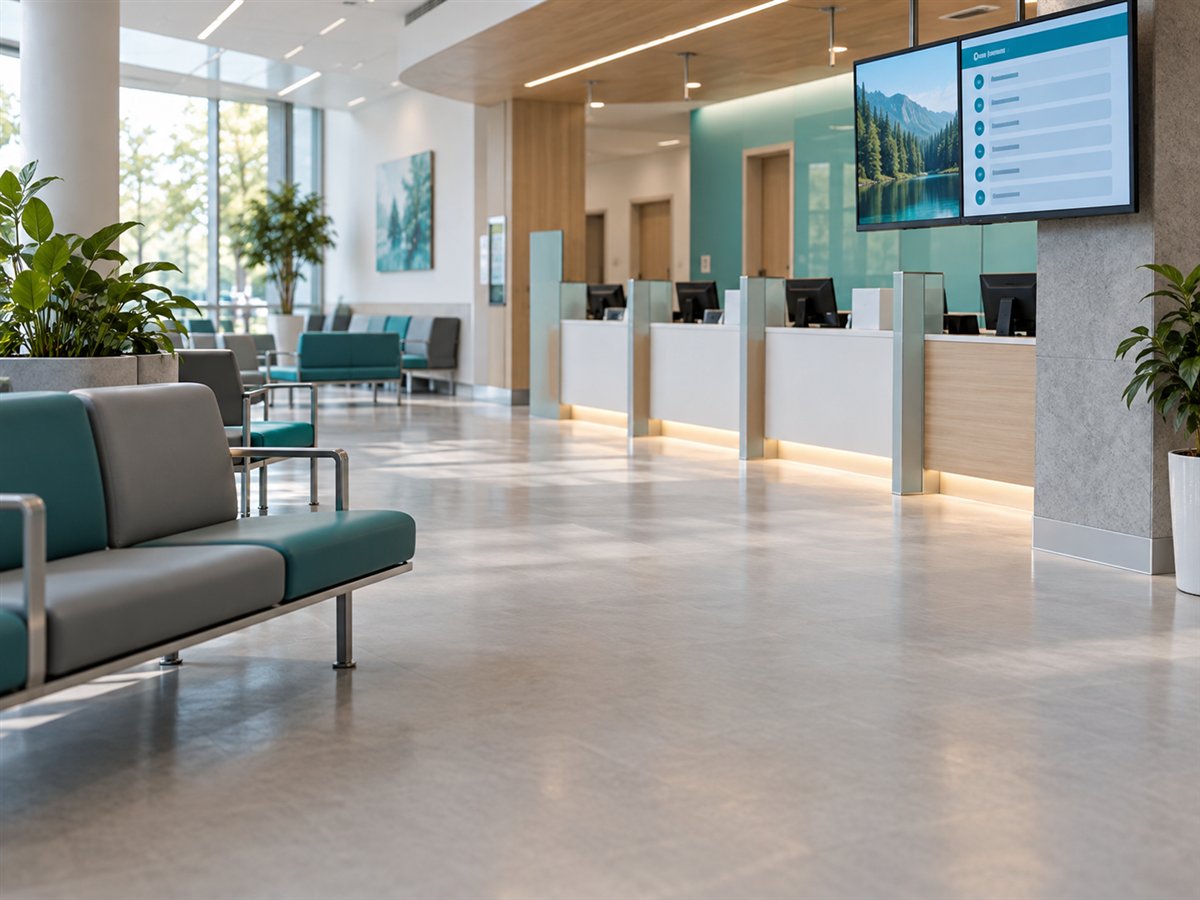
Clinics, hospitals and service counters can show queue messages, waiting-area content, information slides and counter announcements.

  • Queue displays
  • Waiting-area messages
  • Service announcements
06

Reseller Networks

Agencies and signage providers can manage customers, screens, playlists and licenses across multiple deployments from one system.

  • Customer accounts
  • License allocation
  • Remote support workflow
Deployment Flow

One CMS flow for every business use case.

Whether the screen is a restaurant menu, showroom promotion, office lobby display or reseller customer screen, the operating workflow stays simple.

View install guide
Define the screen purposeMenu, promotion, notice, queue, lobby or reseller customer display.
Install and pair playerConnect Android TV, Android box or Tizen OS display to the dashboard.
Publish the right playlistAssign videos, images and PDFs based on location, industry and campaign.
Monitor and support remotelyTrack screen status, refresh content and manage licenses without site visits.
Business Impact

Built for teams that need content changes to be fast and controlled.

Digital signage becomes easier when every screen has a purpose, playlist, schedule and support status.

RestaurantsUpdate menu prices, combos and offers quickly across all branches.
Retail StoresLaunch promotional content in selected stores without physical visits.
OfficesKeep reception, lobby and internal communication screens consistent.
EducationPublish campus notices, event information and emergency messages centrally.
HealthcareUse waiting-area and queue screens for patient guidance and announcements.
ResellersManage customer screens, licenses and support from one organized dashboard.
Solution Planning

Tell us your screen use case and deployment size.

We can help you choose the right setup for restaurants, retail stores, offices, campuses, healthcare locations or reseller networks.