
Media Management
Upload images, videos and PDFs used for menus, promotions, notices and announcements.
- Images
- Videos
- PDF files
A digital signage CMS is software used to manage content on business screens. It lets teams upload media, create playlists, schedule campaigns, pair display devices and monitor playback remotely.
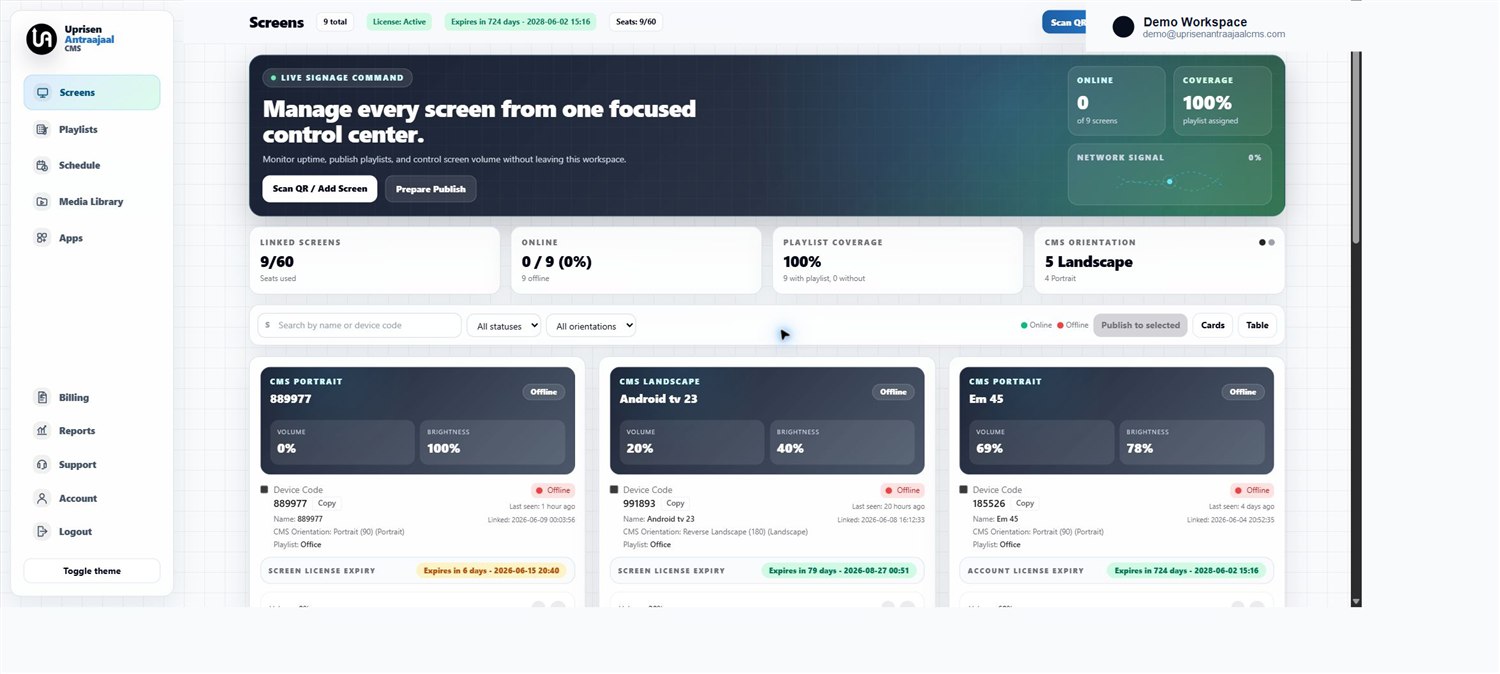
Instead of manually updating each display, a CMS gives operators one place to manage content and screens.
Upload images, videos and PDFs used for menus, promotions, notices and announcements.
Create playlists and publish them to selected screens or locations.
Control when content should play for offers, menus, events or campaigns.
Connect screens to the dashboard using player apps and device codes.
Check whether screens are online and whether content is syncing correctly.
Manage active screens, expiry, suspension and customer access.